
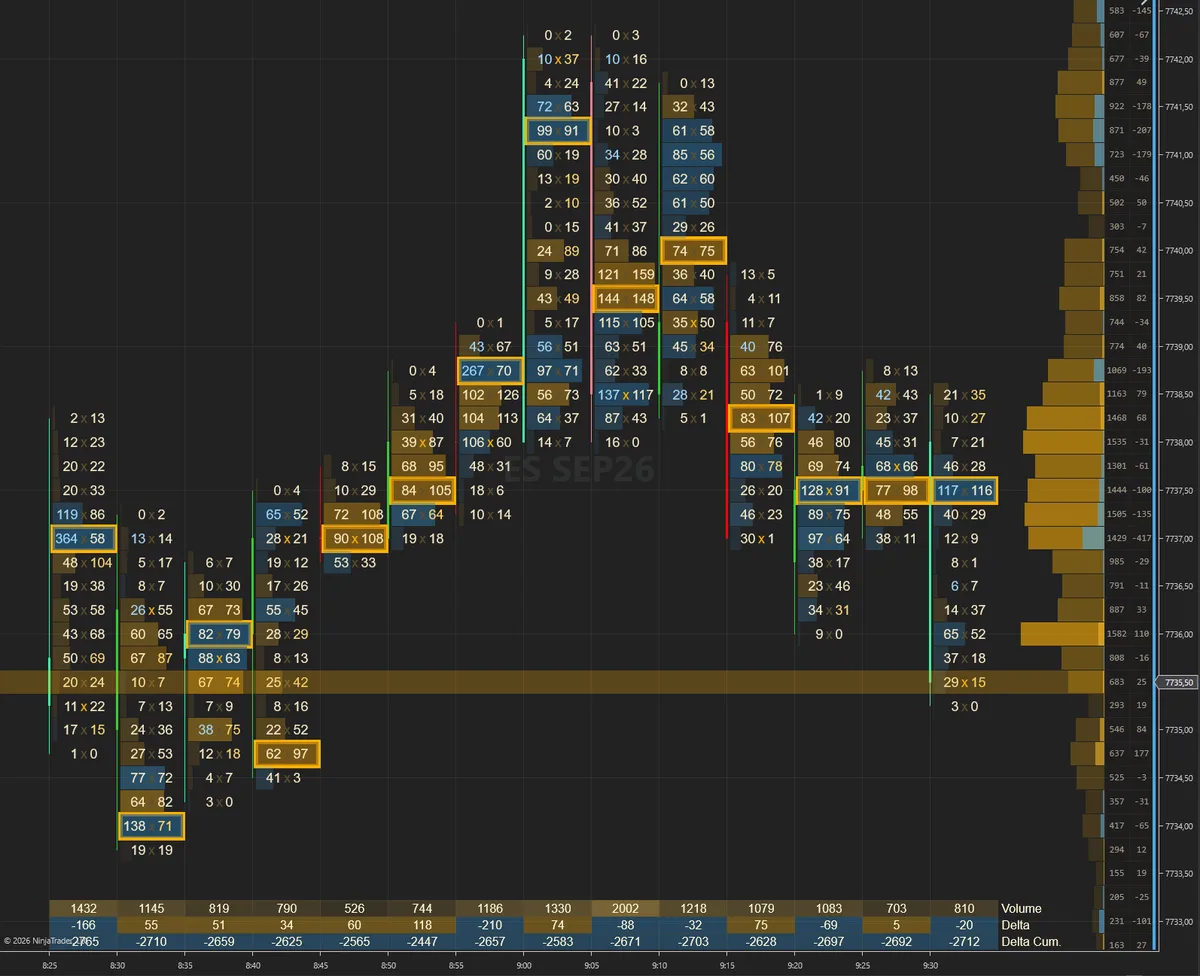
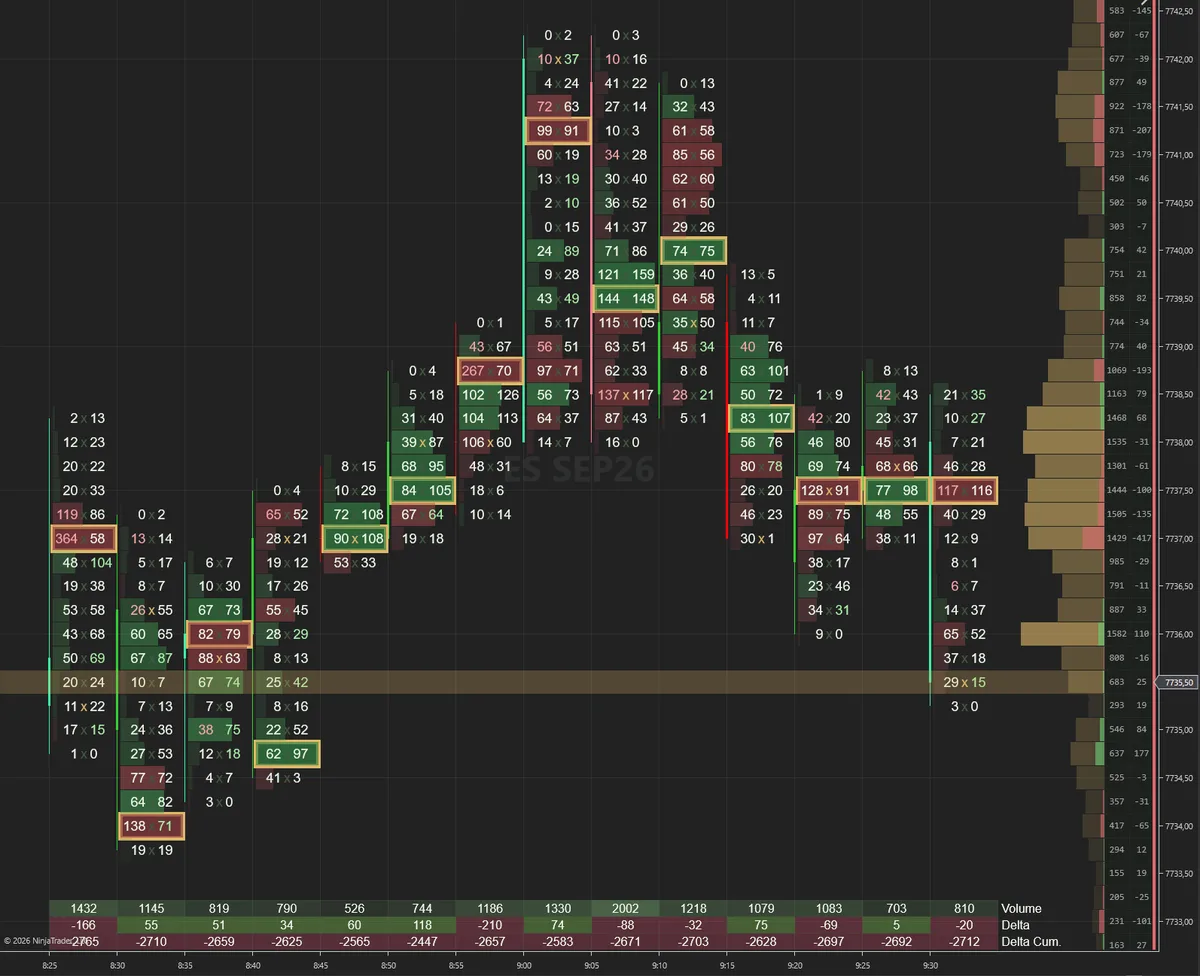
High-contrast amber on near-black with restrained green/red tape colors.
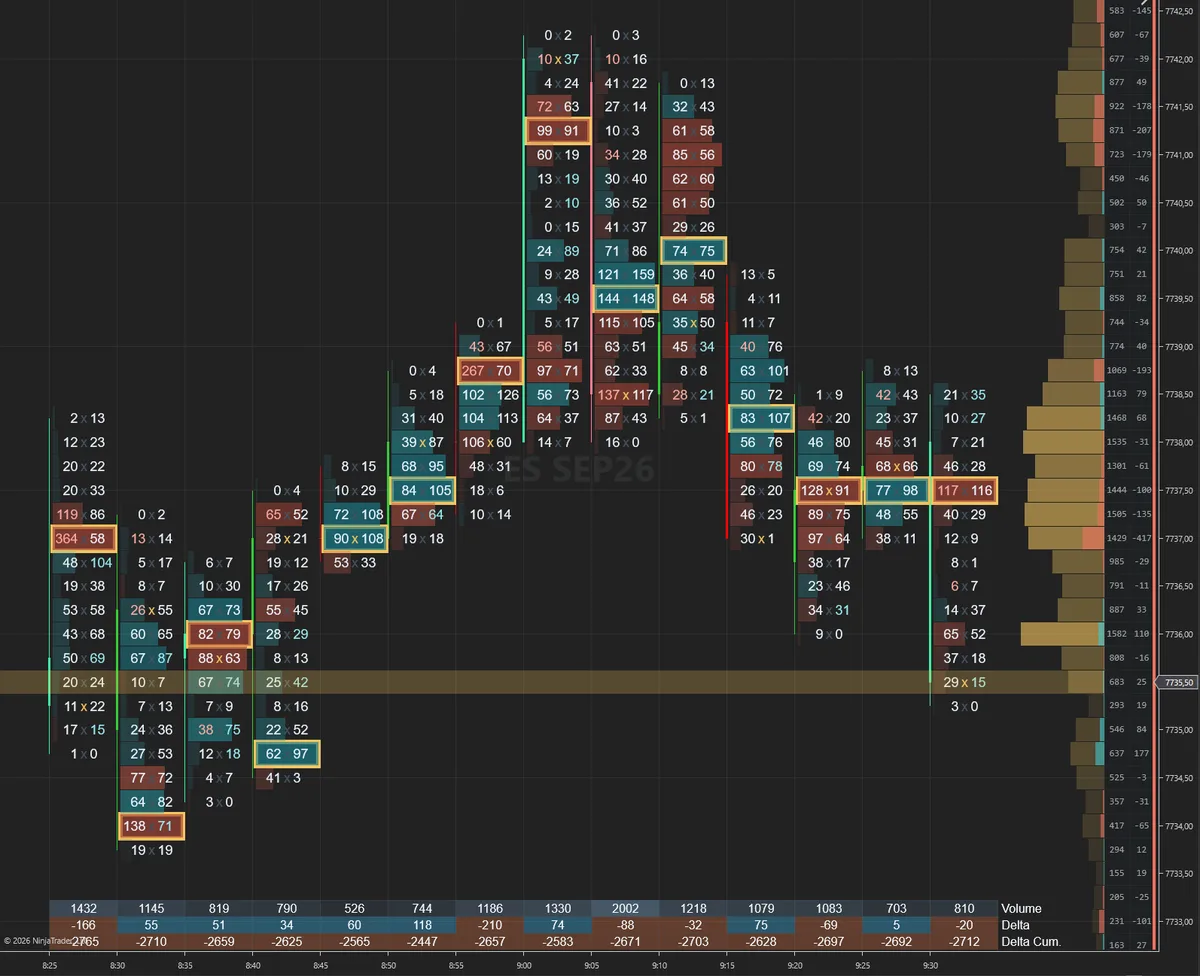
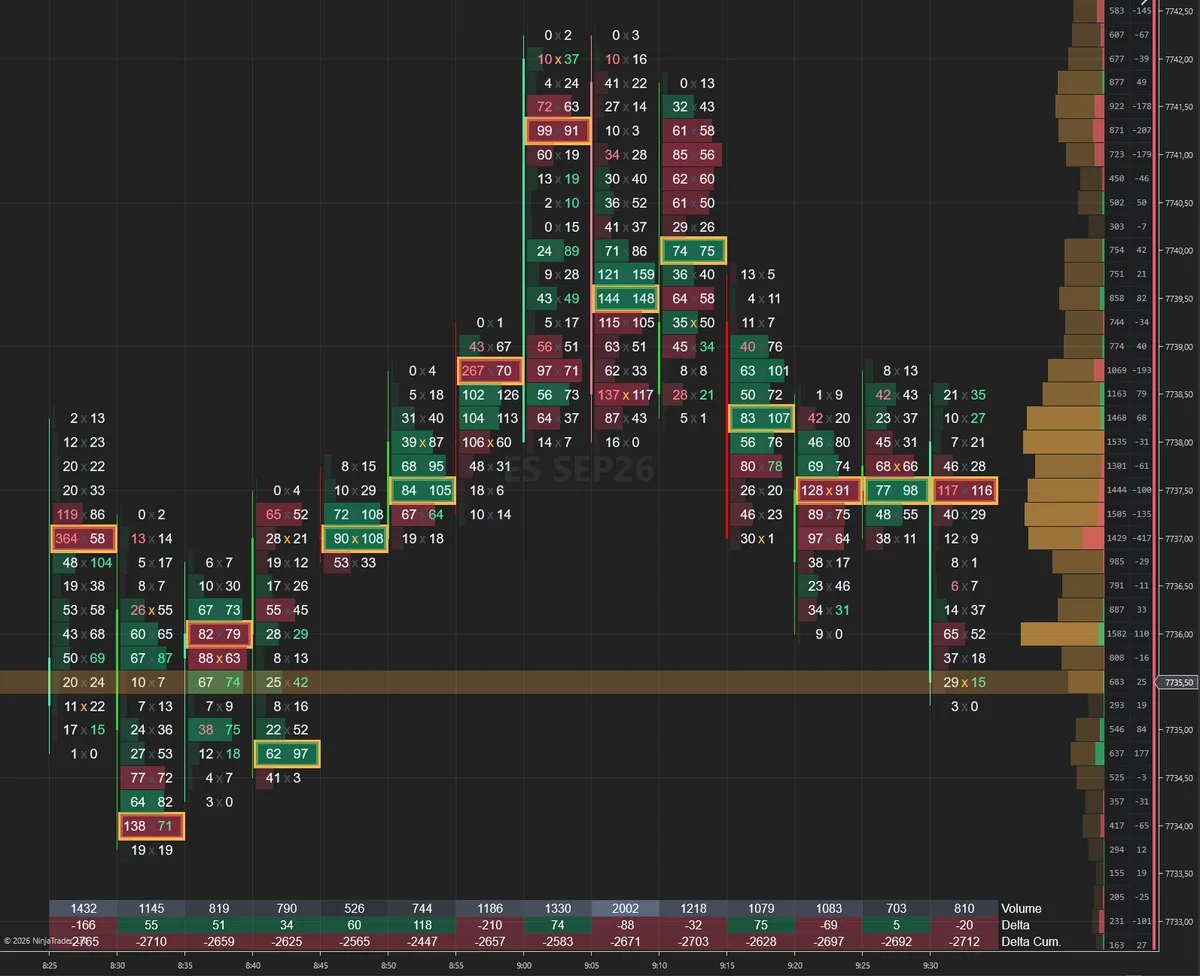
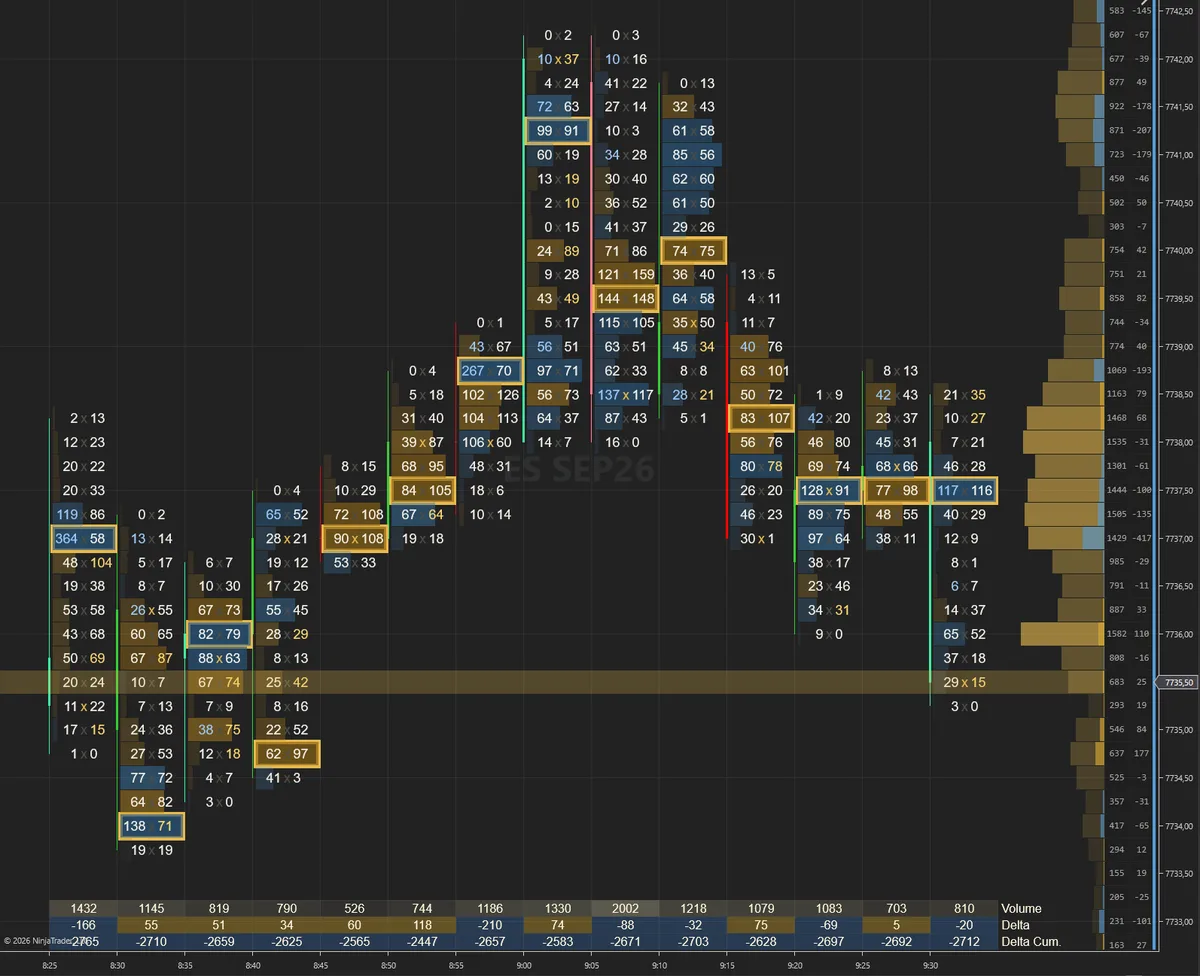
Each style is a settings file for SidiFootprint with 158 colors already chosen and balanced across the bid and ask columns, delta, imbalances, VPOC, zones and the statistics panel. Load one in a few seconds, then change anything you want. A style is a starting point, not a corset.
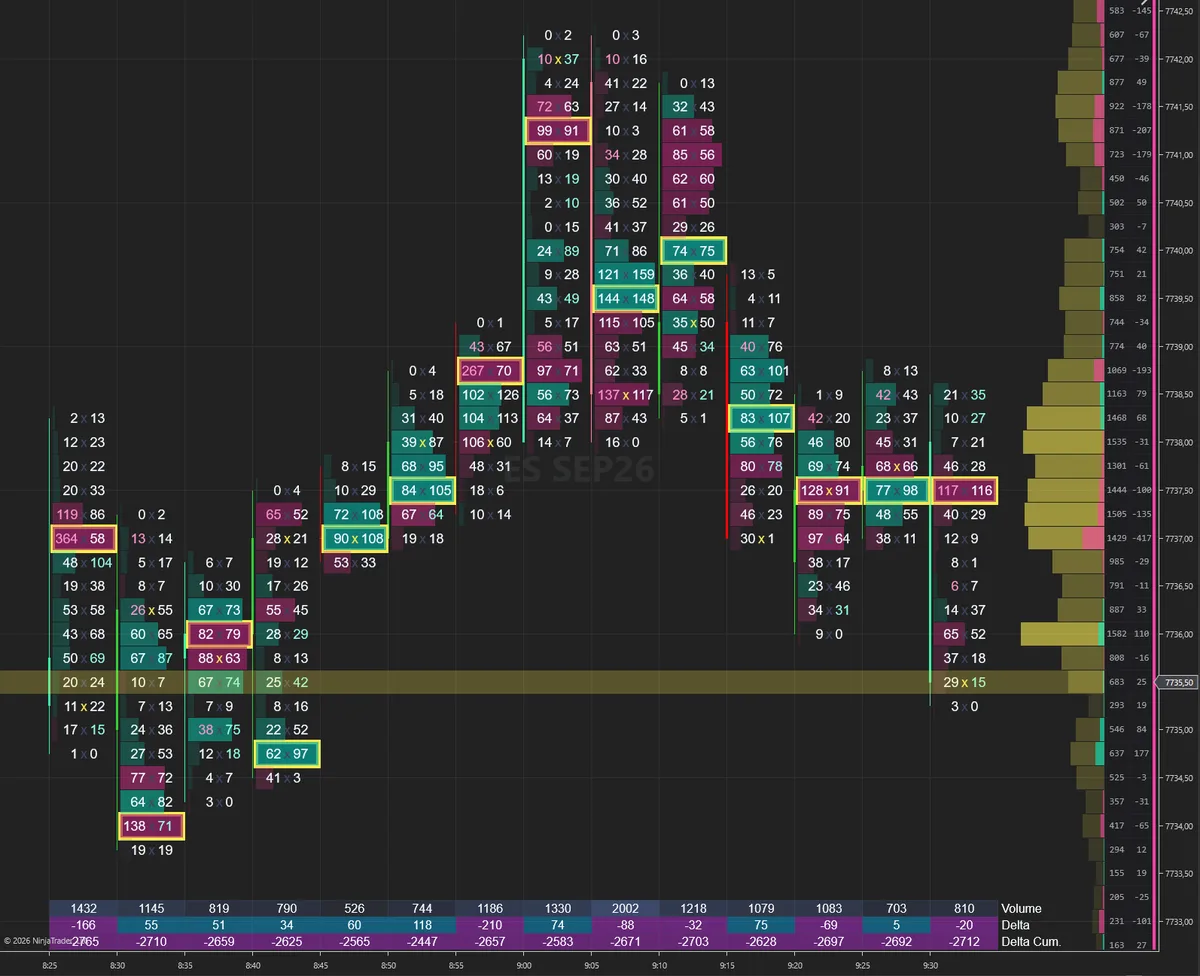
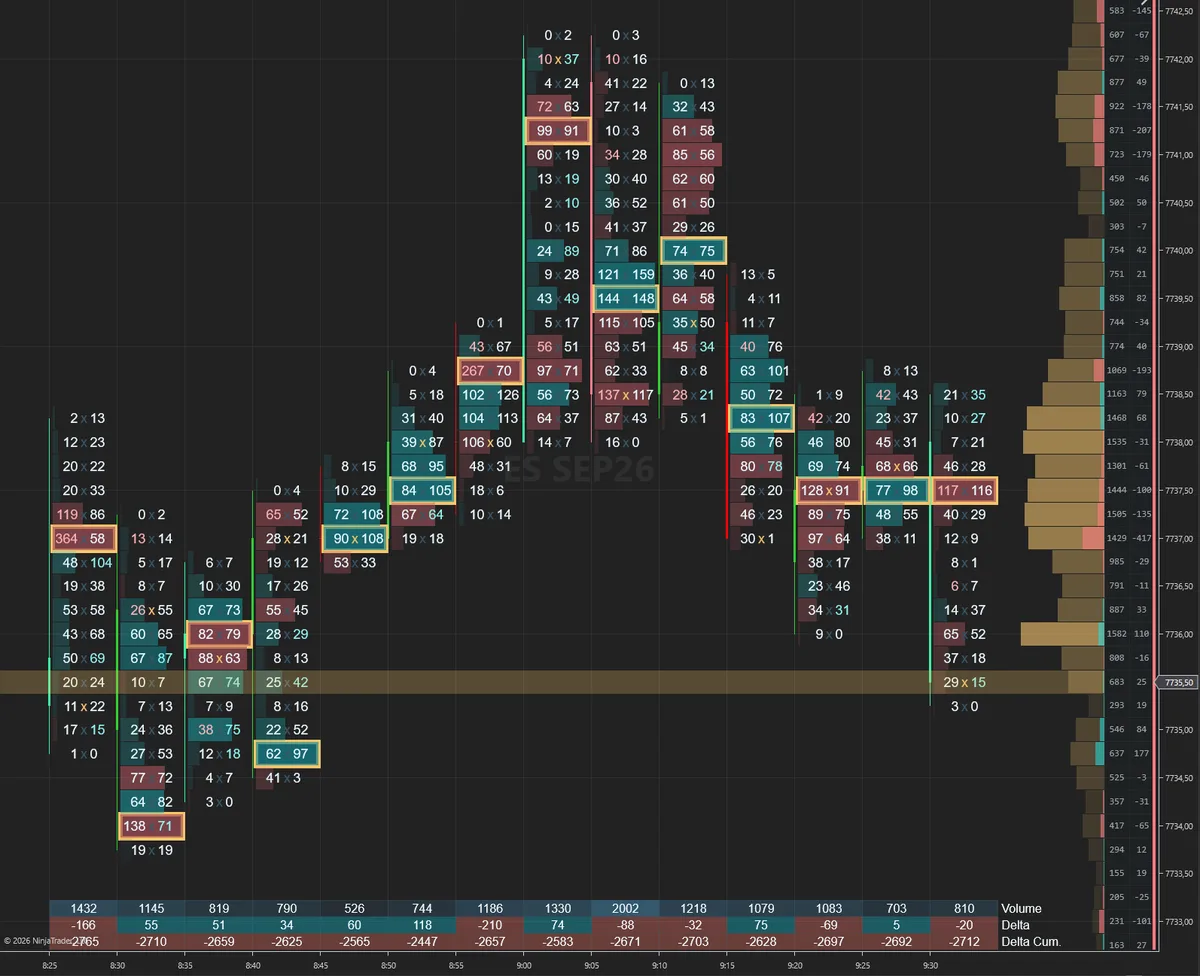
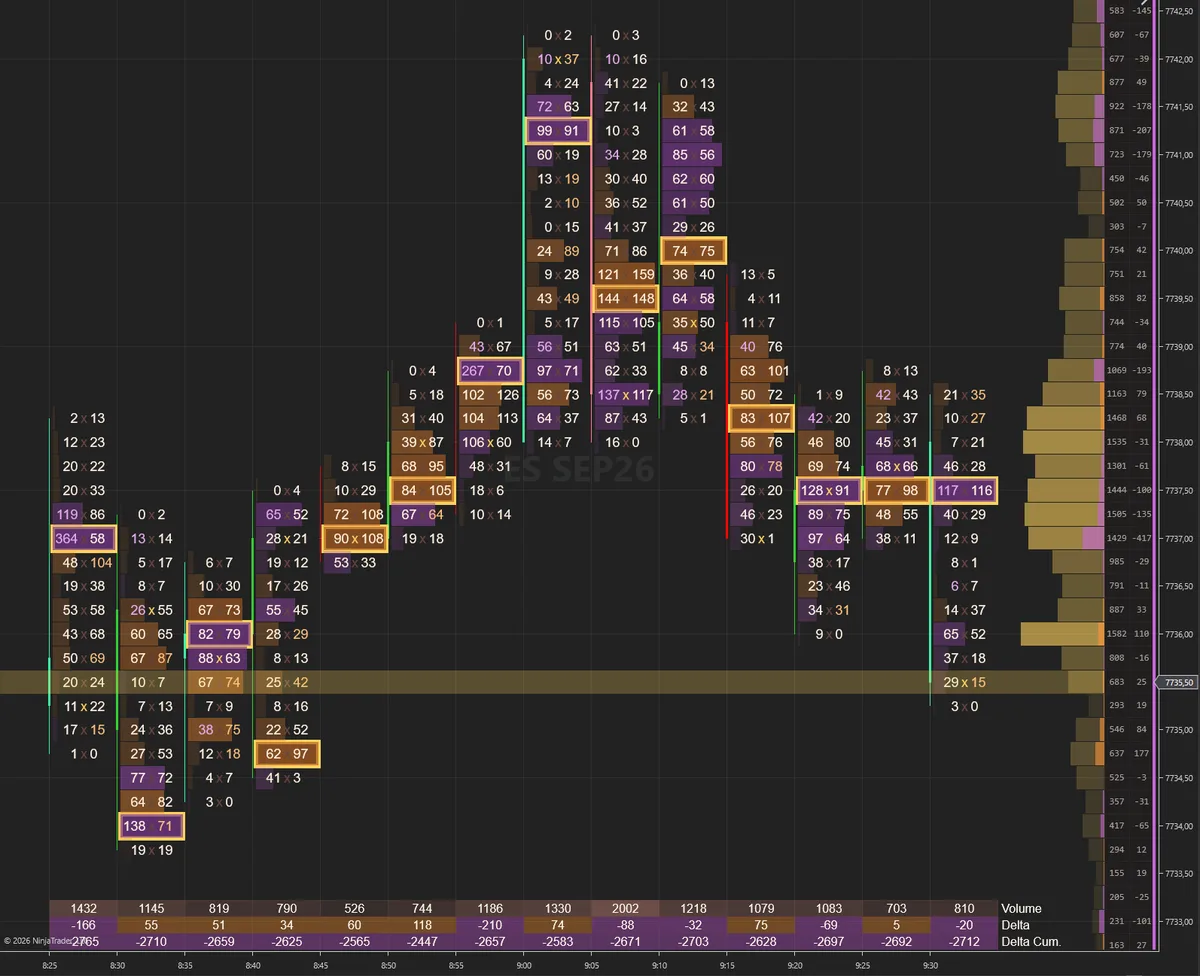
All ten are dark styles, shot on ES 5min so the bid and ask columns, the imbalance markers and the VPOC line stay readable at normal chart zoom. Click any screenshot to open it full size. Every one of the 158 color properties inside stays editable after loading.
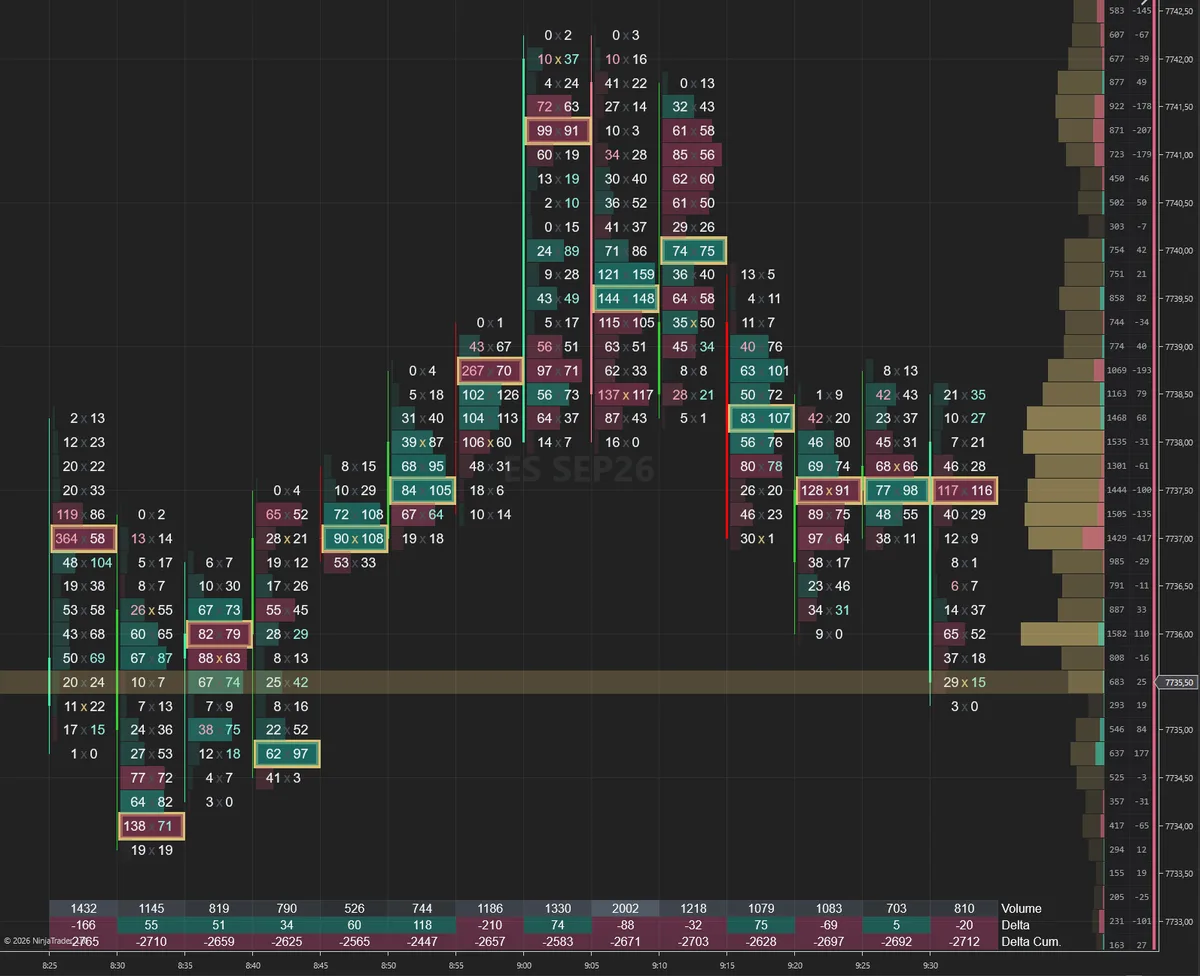
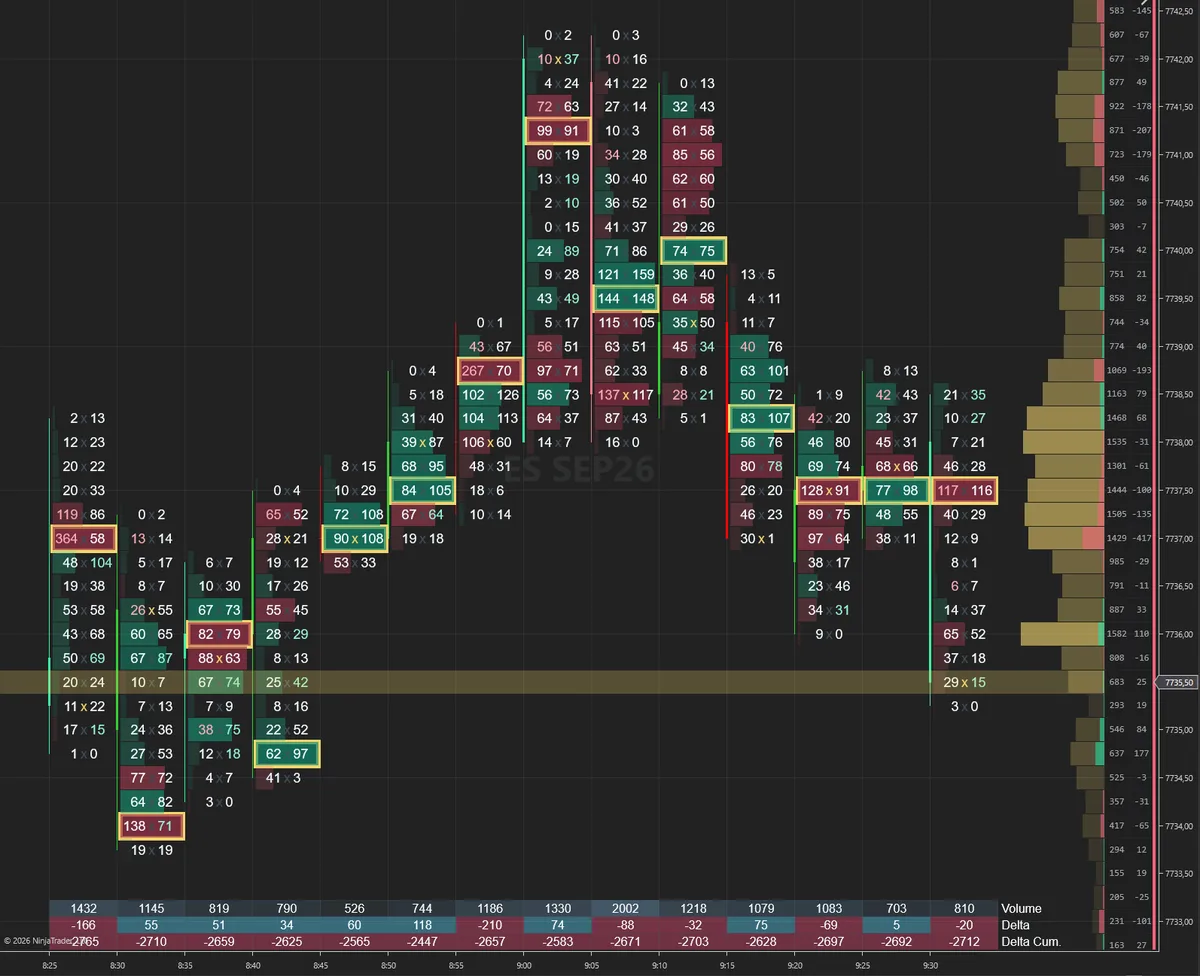
Styles load in SidiFootprint's own settings window, not through the NinjaTrader template menu. The two screenshots below show which window and which button.
Save the downloaded file in Documents\NinjaTrader 8\templates\SidiResources\Indicators\SidiFpPack\SidiFootprint\Settings\. That is the folder the Load dialog opens by default, so the file is already in front of you in step 3.
On your chart, click the SidiFootprint config button. The realtime settings window opens. Along the bottom bar you see Send Log, Save, Load and Ok.
Load opens a dialog called Open JSON File, already pointing at the Settings folder from step 1. Select the style file.
Each style carries its own name, for example SidiFootprint - Bloomberg Active. Pick it, press Ok, and the chart repaints. From that moment every color is a normal setting again, open in the same window.


Save once and keep your own settings file next to the styles. A style writes the complete set, all 1000 properties, not only the 158 colors. That one saved file is your way back.These JSON files are not NinjaTrader indicator templates and not chart templates. They load from inside SidiFootprint only. Two NinjaTrader menus look like they should work here. They will not.
Both menus expect NinjaTrader's own template format. A style file is a different thing, so the menu either ignores it or reports an error, and nothing on your chart changes. This is the same family of mix-up as installing the Sidi tools through Import > NinjaScript Add-On instead of running the EXE installer.
One window, one button. The dialog already opens in the folder the styles belong in, and the chart repaints as soon as you confirm. Press Save once beforehand and your own setup is one Load away again.
Each file is a complete SidiFootprint settings set, 1000 properties, of which 158 carry the colors. Built on v3.6.0.0. Take a single style, or take the bundle and try one per session.
The files are plain JSON. Open one in a text editor if you are curious. Every color property ends in BrushSerialize, so you can see exactly which 158 of the 1000 entries a style actually touches.
Save in the same bottom bar first and keep your own file next to the styles in the Settings folder. Then switching back is one Load away.SystemName inside the JSON, for example SidiFootprint - Bloomberg Active. That is what the dialog displays, so the styles stay identifiable even if you rename the files on disk.SidiFootprint reads bid and ask at every price level, flags imbalances, tracks delta and holds the VPOC. Fourteen days, all ten Sidi tools, nothing locked.
Start your free demo →