
Customize Text to Speech Alerts for Order Flow
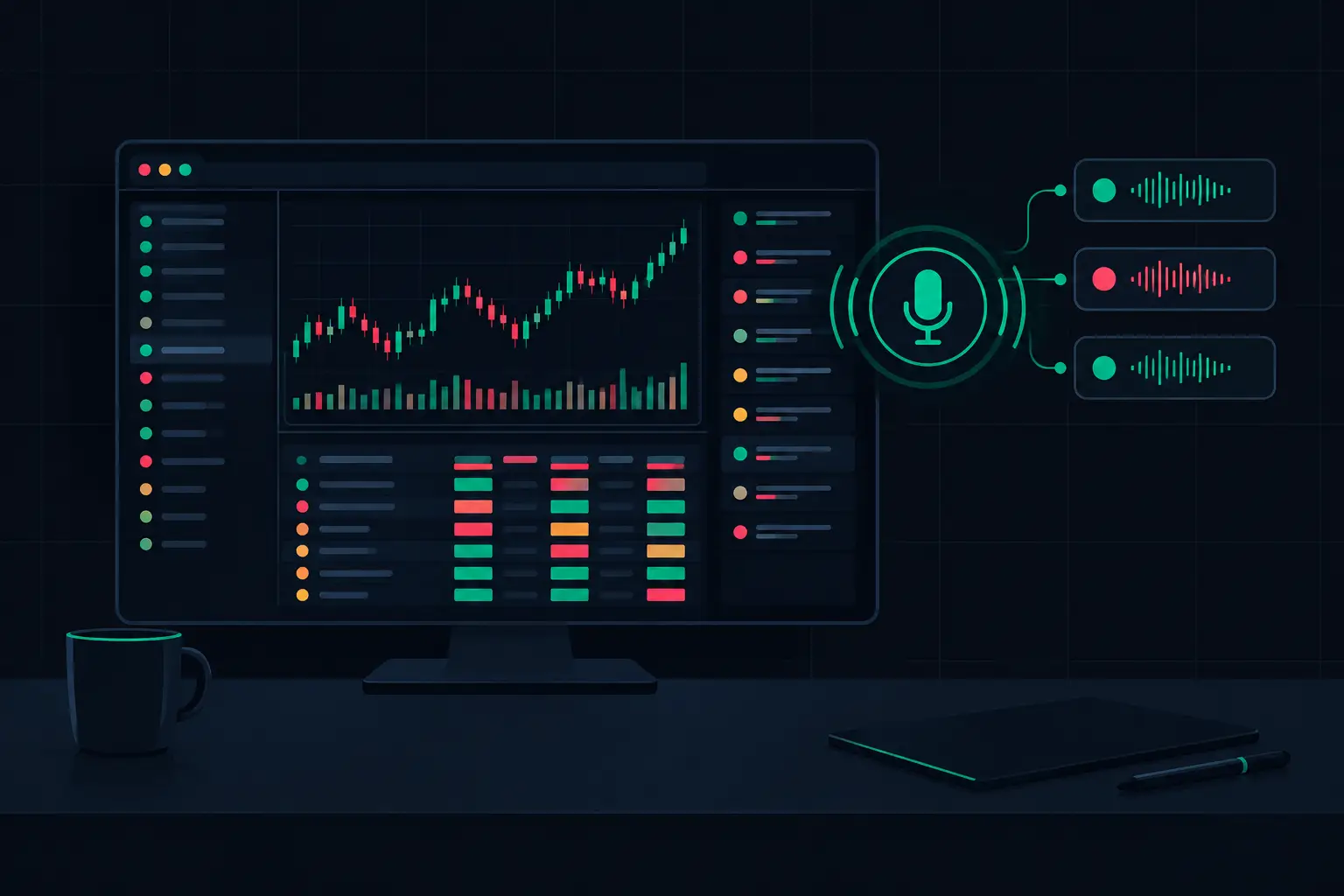
A fast footprint chart can expose far more information than a conventional candle: diagonal imbalances building through a price zone, delta expanding while price stalls, or a developing VPOC migrating with the auction. The problem is not visibility alone. When attention is split across charts, ladders, profiles, and timeframes, a visual event can occur outside the part of the workspace you are watching. When you customize text to speech alerts, the chart can speak the exact order-flow condition that deserves a second look without forcing you to scan every panel repeatedly.
For active NinjaTrader 8 users, spoken alerts are not background noise or a replacement for chart context. They are an extension of the footprint workspace. The useful configuration is specific, selective, and tied to a market behavior you already understand - not a generic announcement every time volume changes.
Why Customize Text to Speech Alerts Instead of Using Defaults
A default alert message usually tells you that a condition happened. That is not enough in a fast auction. You need the message to identify the instrument, chart context, direction or location of the event, and the condition itself in a form that can be understood immediately.
Compare a repeated announcement of “alert” with: “ES five-minute, stacked ask imbalance at session high.” The second message provides context before your eyes return to the chart. It tells you where to look and what footprint structure to verify. The spoken alert does not make the analysis for you. It prevents a meaningful event from being buried in a dense layout.
The same principle applies to absorption and exhaustion. A large traded volume condition is not inherently notable. Volume printed at a prior VPOC, at a session extreme, or into a clearly defined balance edge carries a different analytical meaning than the same value in the center of rotation. Text-to-speech language should preserve that distinction.
Build messages around chart context
Start with a compact message structure: instrument, bar or timeframe, event type, and location. For example, “NQ one-minute, bid absorption at value low” is short enough to register quickly while retaining the information that matters. If multiple instances of the same instrument are open, add the chart period or workspace label so that a spoken event points to the correct panel.
Avoid long sentences that recite every setting value. A voice message is consumed serially. By the time it reaches the final phrase, the initial condition may be forgotten. The chart already holds the detail: total volume, bid and ask columns, delta, POC, imbalance ratio, and profile structure. The alert should direct attention, not narrate the entire bar.
Events That Deserve a Spoken Alert
The best text-to-speech alerts are reserved for conditions that are easy to miss visually or require immediate confirmation against nearby structure. A footprint workspace can generate many qualifying events during active periods, so restraint matters. If every isolated imbalance receives a voice announcement, the important stacked sequence becomes indistinguishable from routine prints.
Stacked imbalances are a strong use case because they represent consecutive price levels where aggressive activity meets the defined imbalance threshold. Configure the spoken event only after the required number of adjacent levels is met. The message can distinguish stacked ask imbalances from stacked bid imbalances, then include an area reference such as a session high, value-area boundary, opening range edge, or prior profile level.
Absorption alerts also benefit from careful filtering. In practical terms, the chart should be looking for unusually large executed volume at a price while price fails to extend as expected through that level. The threshold should be calibrated to the instrument and bar construction. A threshold that is appropriate for ES during the regular session will not necessarily fit NQ, CL, or a thinner overnight period.
Developing VPOC movement is another condition worth speaking when it is part of your chart process. A VPOC shifting upward or downward can show where the largest volume is accumulating inside the developing profile. Yet an alert on every single migration can become excessive. A more useful rule is to announce a move only after the VPOC changes by a defined number of ticks, crosses a reference level, or remains established long enough to matter within the selected profile period.
Other events may fit the workspace when they are configured with the same discipline:
- Exhaustion at a session extreme, based on the footprint criteria used in the chart.
- A delta threshold reached at a predefined auction boundary.
- A developing bar that reaches a specified volume or trade-count condition.
- A value-area or profile reference touched while an order-flow condition is present.
The event is only half the configuration. The filter determines whether the alert remains useful after the first hour of live use.
Configure the Alert Hierarchy Before Writing Messages
Treat spoken notifications as a hierarchy, not a flat set of switches. The highest-priority alerts should identify conditions that require attention across the workspace. Secondary alerts should be limited to the chart you are actively monitoring. Everything else can remain visual through color, markers, or highlighted footprint cells.
A practical hierarchy often separates structural events from bar-level events. Structural events include VPOC migration across a known level, value-area interaction, or a meaningful profile development. Bar-level events include stacked imbalances, absorption, exhaustion, and delta conditions. Structural events generally merit more distinctive wording because they establish the location where the bar-level event occurred.
This approach prevents duplicate announcements. If an ES bar prints stacked ask imbalances at a prior session high while a profile condition is also active, hearing two unrelated messages can fragment the context. Where the configuration permits it, make the higher-level location condition the spoken message and keep the footprint marker visual. If the order-flow event itself is the priority, include the location in the same sentence instead.
SidiFootprint supports deeply configurable footprint and profile layouts, which makes this separation especially useful. The event logic should match what is visible in the chart: if you display dual independent profile columns, define which profile’s VPOC or value area the alert references. A voice message that says “VPOC” without identifying the relevant session, composite, or profile column is incomplete when multiple profile calculations are displayed.
Use Thresholds That Match the Instrument and Session
Fixed thresholds are simple, but they can be misleading across different market conditions. A stacked imbalance setting that produces a manageable number of events during a high-volume session may remain silent during a quieter period. Conversely, a volume threshold set for a slower instrument can create constant chatter in a faster one.
Begin with the footprint settings already used for visual analysis. If diagonal imbalance highlighting requires a particular ratio and minimum volume, the spoken alert should use that same logic. Otherwise, the platform may announce an event that is not highlighted in the cells you rely on, creating unnecessary verification work.
Then decide whether the alert needs a location filter. A stacked imbalance in the middle of a balanced profile may be informational but not audible. The same formation at an excess high, a low-volume node, or a prior VPOC can justify escalation. This is where text-to-speech becomes precise rather than merely noisy.
Session segmentation matters as well. If the chart resets profiles or calculations at a session boundary, make sure the alert references the active session logic. An overnight developing VPOC and a regular-session developing VPOC are different contextual objects even when they occupy nearby prices. Name them accordingly in the text if both are monitored.
Test the Spoken Message Under Real Workspace Conditions
A message that reads well on a settings panel may sound awkward when delivered through speakers or headphones. Test each phrase aloud. Numbers, abbreviations, and ticker symbols can be pronounced inconsistently by the selected Windows voice, so use wording that remains clear at normal playback speed. “Five-minute ES” may be easier to parse than a compressed label containing multiple abbreviations.
Run the chart with only the intended alerts enabled and observe the frequency across representative market activity. The objective is not maximum notification coverage. It is a message stream sparse enough that each announcement retains meaning. If several alerts fire within one developing bar, tighten the threshold, require a location condition, or remove the lower-priority voice event.
Also test the relationship between audio and chart marking. Every spoken condition should have an obvious visual counterpart: a highlighted imbalance stack, an absorption marker, a profile level, or a defined bar state. Audio directs attention; the footprint verifies the event at the price level where it occurred.
Keep Voice Alerts as Precise as the Footprint
Text-to-speech alerts work best when they inherit the same discipline as the rest of the order-flow layout. Define the condition exactly, attach it to a meaningful auction location, use a short message, and filter out events that do not alter what you need to inspect on the chart.
When the tape accelerates, the goal is not to make the platform talk more. It is to make the few spoken words point directly to the footprint detail that changed.
See it on your own chart.
Every Sidi tool is unlocked in the free 14-day demo. Install SidiFootprint in NinjaTrader 8 and load one of the finished color styles to start.
Start free 14-day demo → SidiFootprint features Browse color stylesRelated articles
High Volatility Order Flow Example Explained
A high volatility order flow example shows how delta, stacked imbalances, absorption, and VPOC expose the auction when price accelerates across the range.
How to Configure Footprint Color Schemes
Configure footprint color schemes that separate delta, imbalances, VPOC, and volume context clearly when the order flow accelerates on NinjaTrader 8.
NinjaTrader Order Flow Alerts for Fast Markets
NinjaTrader order flow alerts turn footprint events, delta shifts, and absorption into immediate chart and audio awareness during fast futures sessions.